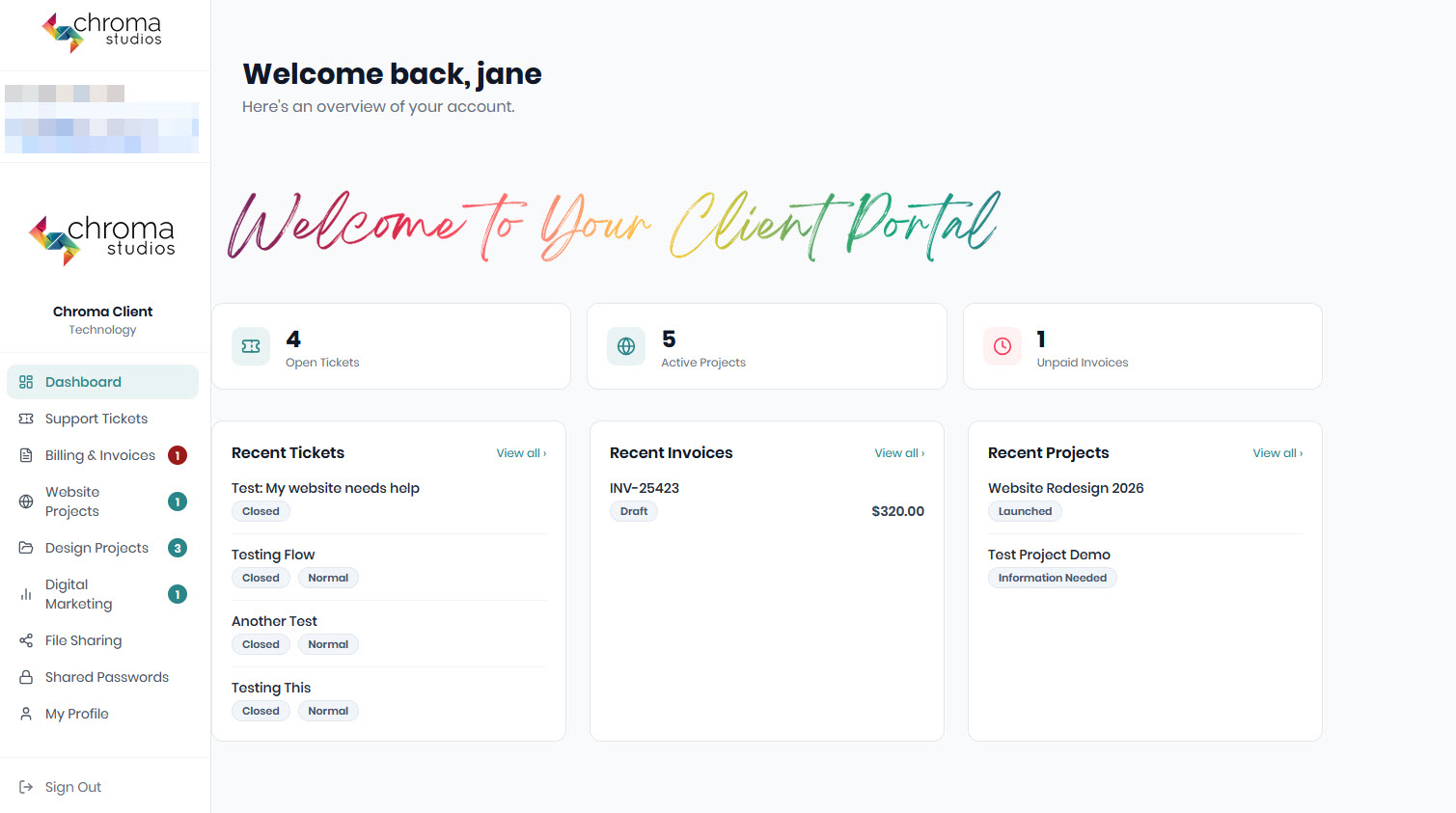






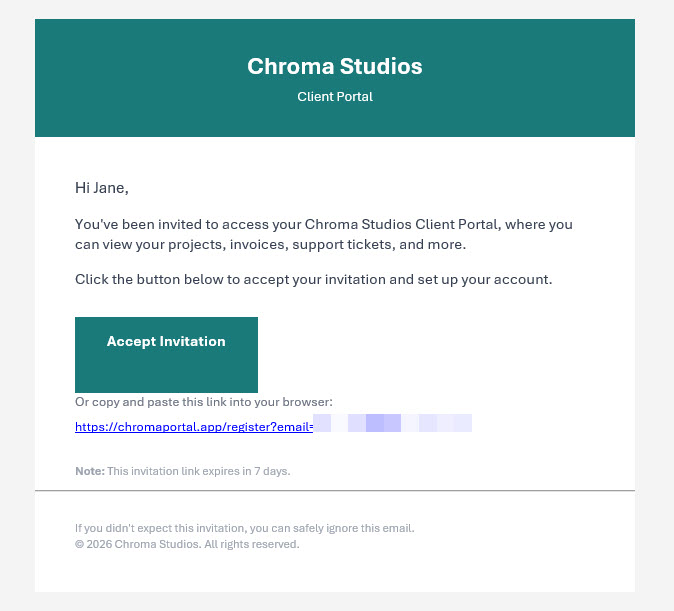
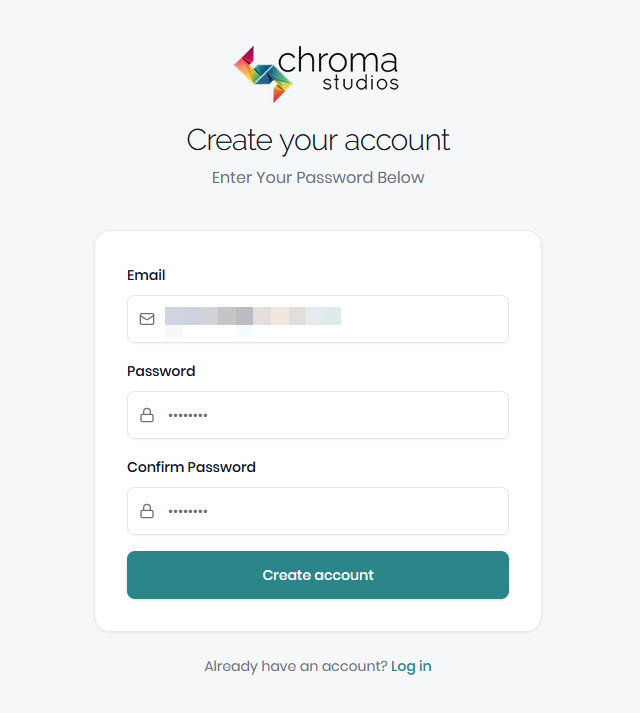
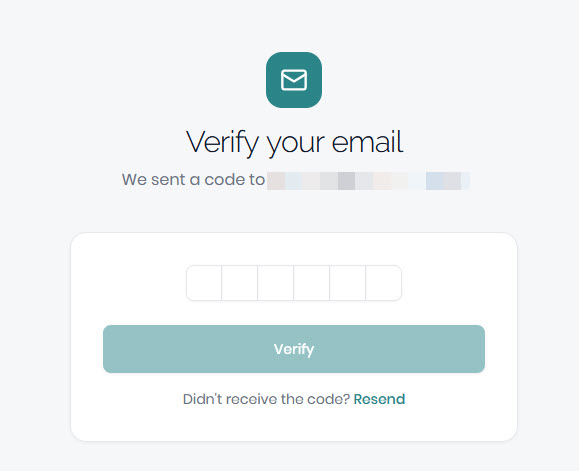
When invited to the portal, you’ll receive an email to set up your password, then another email with a verification code. Here’s what the screens look like:
Initial Email
Accept the invitation.
Create Your Password
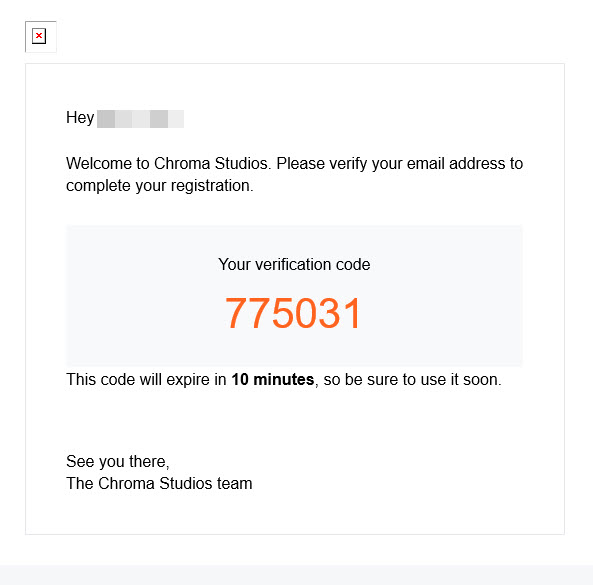
Verification
Check your email for a verification code. It should come quickly. If it does not it’s possible that your email system is filtering out the email.
The notification comes from no-reply@notifications.base44.com. Please check your junk/spam folder or white list this address. (You may need to talk to your IT department about email filters.)
That’s it! You’re in the portal.
From here you can see subscriptions, invoices, update your credit card on file, see past tickets, make new tickets, work with us on projects, share files and passwords and more.